Add what matters.
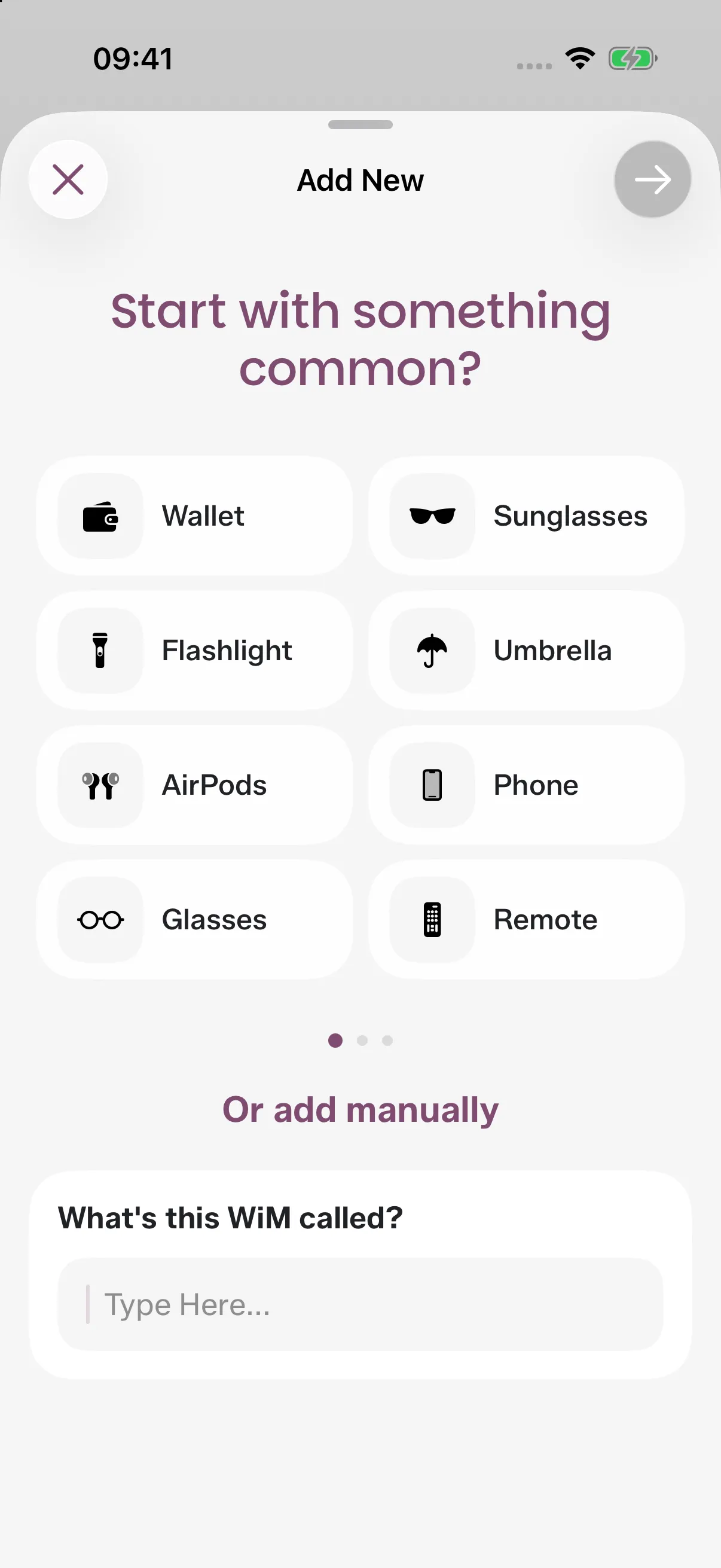
Pick a familiar item, or give your own thing a name.
Start with something common?
- Wallet
- Keys
- Passport
- Charger
- Sunglasses
- Flashlight
- Umbrella
- AirPods
Or add manually
What's this WiM called?
 Wimz
A little memory for your everyday things. Save their place, see what’s in your boxes, and remember what to take.
Free to download. In-app subscriptions.
The wallet by the door. The charger packed away for later. Keep the little details together, with a little help from Wimz, your memory dog.
The keys you put down. The cable you put away. Give it a name and a place, and let Wimz remember the detail.
Pick a familiar item, or give your own thing a name.
Start with something common?
Or add manually
Type it, say it, or add a photo. Confirm the place before it is saved.
Where should Wimz remember this Wallet?
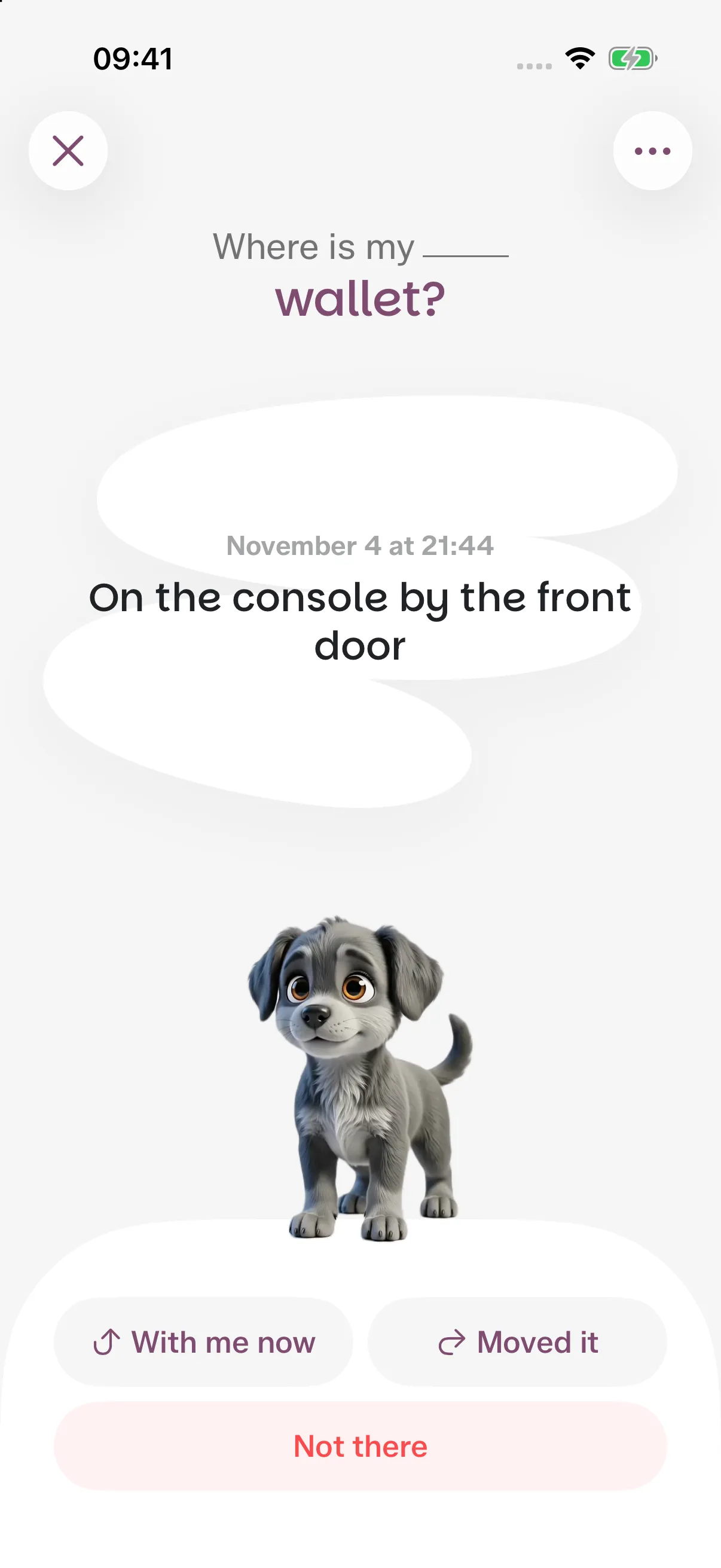
On the console by the front door
Taking it with you or moving it? Tell Wimz where it went.
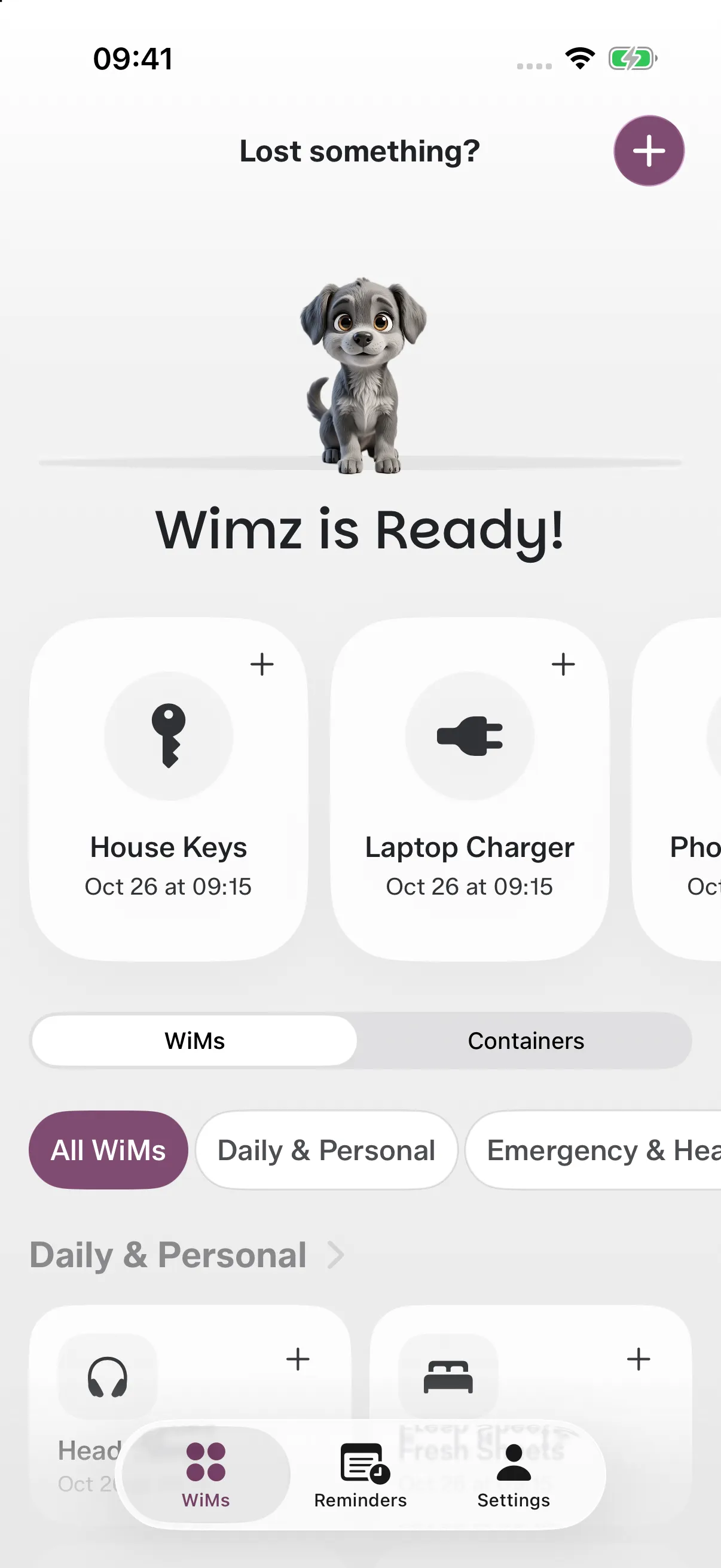
House Keys
With you
Wallet
Nov 4 at 21:44
Spare key
Missing
Dog leash
Not set
Laptop Charger
Oct 26 at 09:15
USB-C Cable
Oct 26 at 09:15
Choose a thing and see the place saved for it. Wimz brings back the last location you confirmed.
A few everyday examples
Wimz remembers the places you save. Update them when things move.
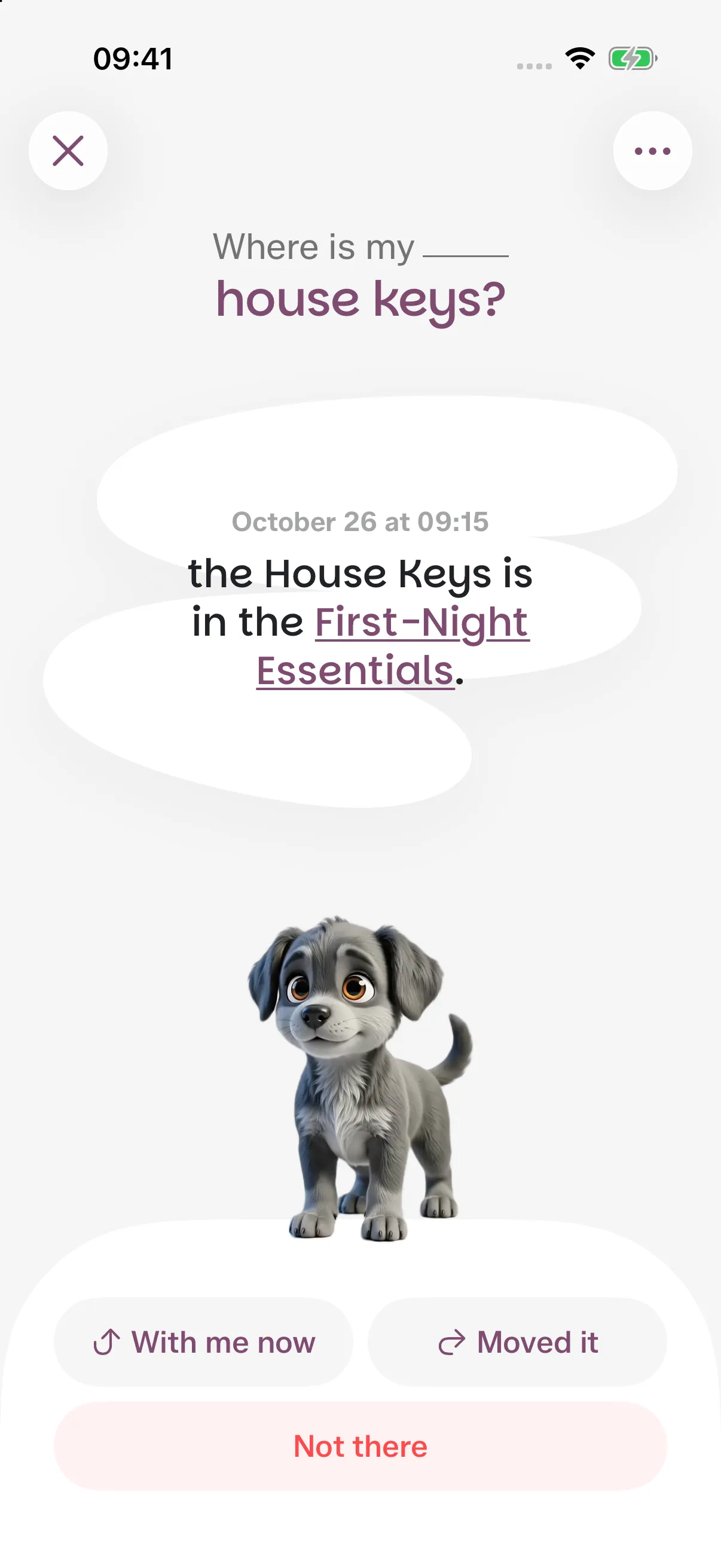
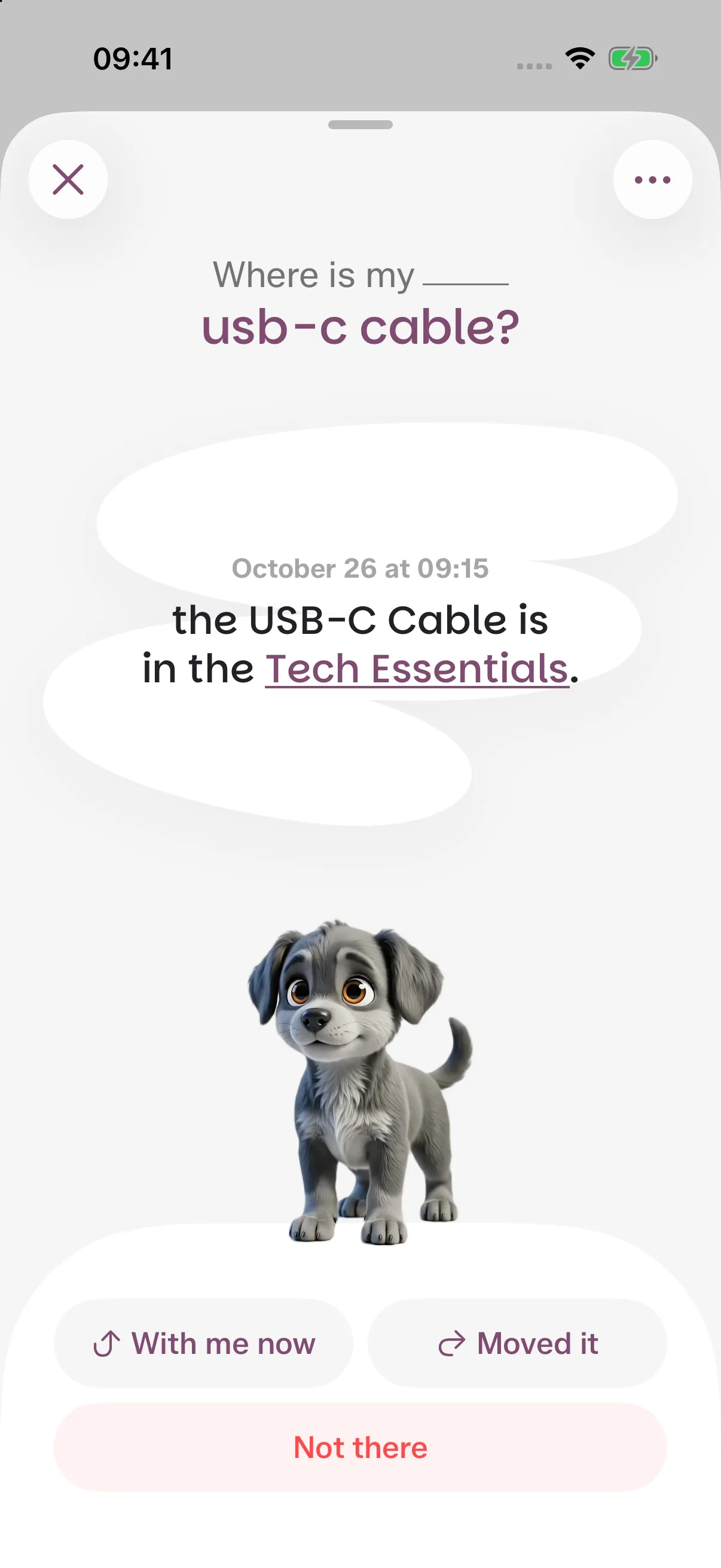
Tap “Not there” to revisit places you saved before. Wimz brings those details back, so you have somewhere familiar to check.
Maybe it's in one of these spots?
On the console by the front door
1 time before – Last seen here
Still can't find it?
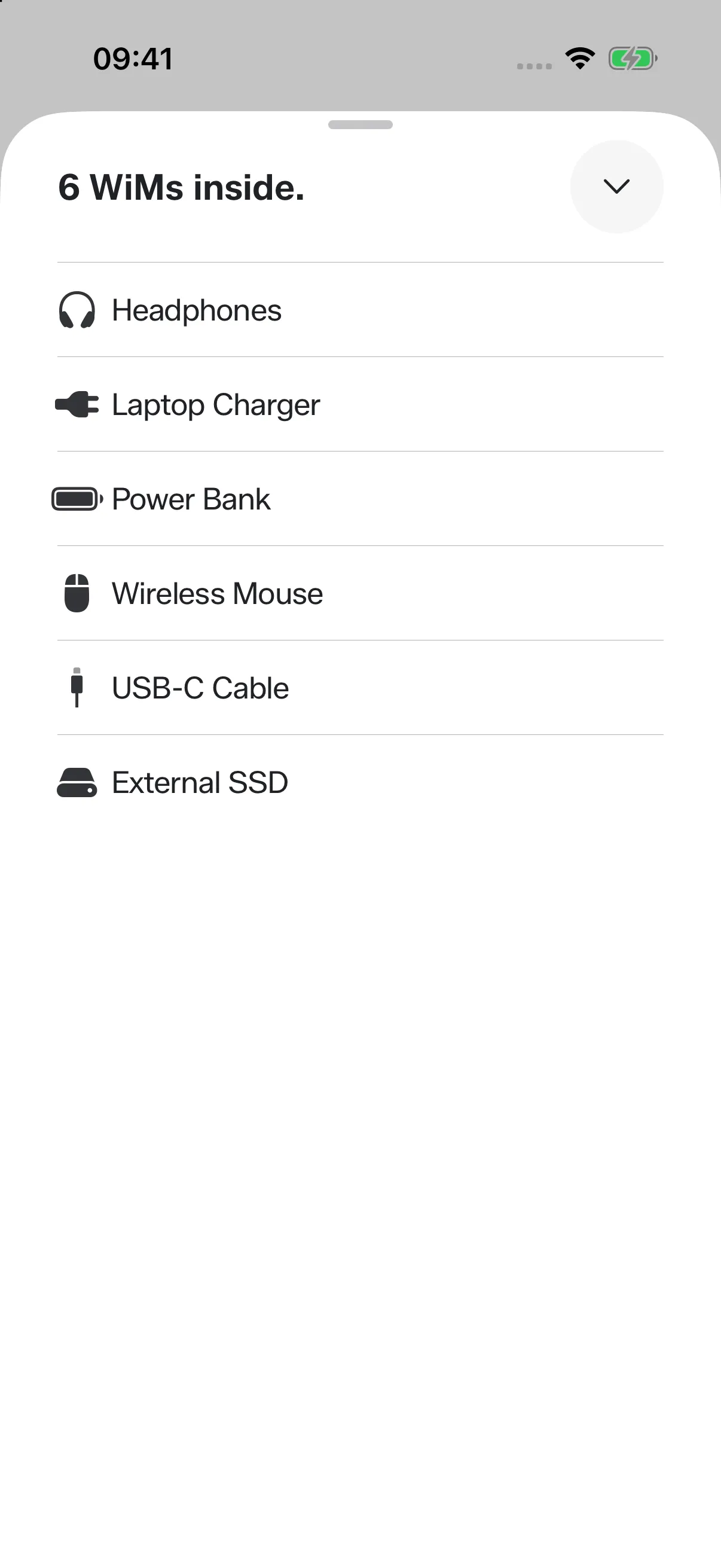
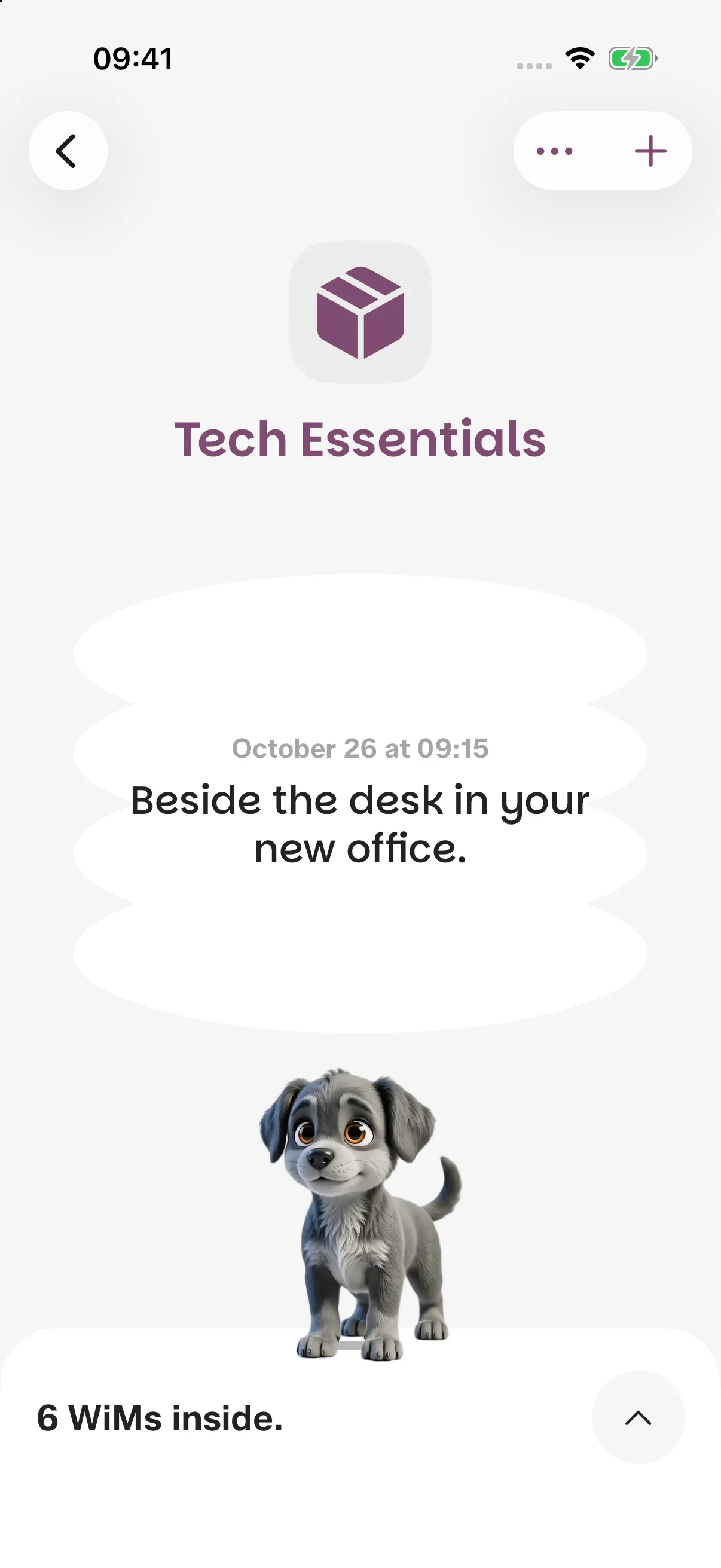
Boxes, drawers, bags, shelves. Save them as Containers, link the things inside, and keep the Container’s own place close at hand.
6 WiMs inside.
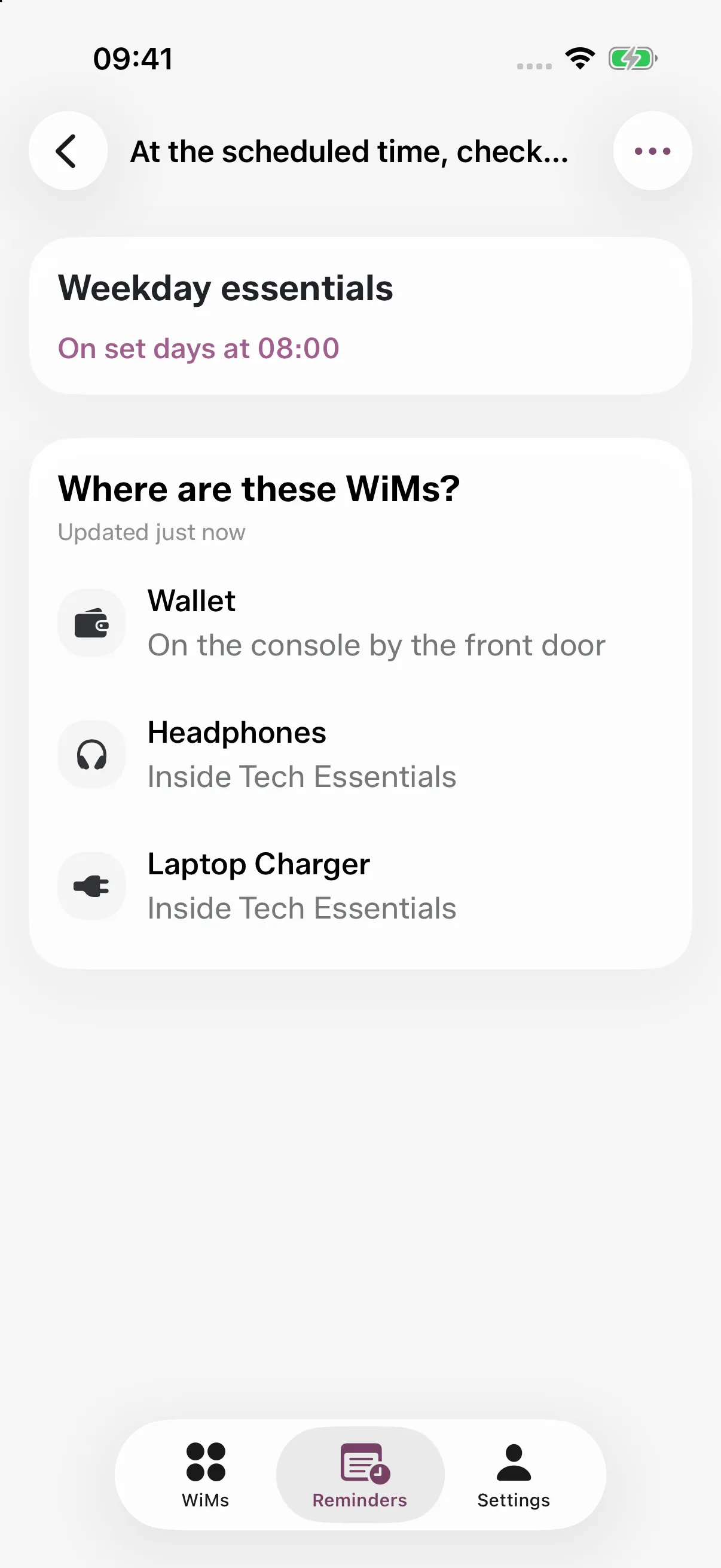
Choose your things and a schedule. At the time you set, Wimz shows where each of them is, so you can check before you head out.
Weekday essentials
On set days at 08:00
Where are these WiMs?
Updated just now
Wallet
On the console by the front door
Headphones
Inside Tech Essentials
Laptop Charger
Inside Tech Essentials
Wimz remembers the places you confirm. A quick update when things move keeps the next search useful.
Use text, voice, a photo or a Container. Review a suggested place before you save it.
With me now, Moved it and Not there help you keep each WiM’s state clear.
No GPS tracker or Bluetooth tag is needed. The saved place comes from you.
A WiM is something you save in Wimz: your keys, a charger, a passport, or anything else you want to remember. Each can have its own confirmed place.
Wimz remembers the information you save. It does not use GPS or Bluetooth to follow an item. When you move something, update its place in the app.
Use text, voice, a photo, or a Container. Photo analysis can suggest a location; you review and confirm it before saving.
Choose “Not there” to check suggestions based on saved location history. Confirm where you find it, save a different place, or mark it as missing.
A box, drawer, bag, shelf, or pouch can be a Container. Link its WiMs and save the Container’s location so you can find both.
At the time you choose, a Reminder shows where the WiMs you selected are, so you can check them before you head out.
Wimz is free to download and includes a local preview. A subscription unlocks full access. Available plans and prices are shown in the app.
You can explore the preview before signing in. After subscribing, Sign in with Apple is required to link your membership and access your account.
Start with something you’re always looking for. Download Wimz for free, explore the preview, and choose a subscription for full access.